
Most sales teams don’t lose deals to competitors. They lose them to a follow-up nobody remembered. The enquiry from IndiaMART sat in someone’s inbox, the Facebook lead was copied into Excel two days late, and the customer who said “call me next week” never got that call. Many businesses buy a CRM to fix this, then watch the team stop using it within months because the stages don’t match how they sell and every update takes six clicks. We build CRMs the other way round: we learn your sales process first, then make the software fit it.
Signs You’ve Outgrown Spreadsheets or Your Current CRM
Leads come in from five places and nobody is sure which ones were called. Sales managers spend Monday mornings chasing updates instead of coaching. A salesperson leaves and takes their customer contacts with them on their phone. Your CRM has fifty fields and your team fills in three. Or the monthly bill for user licences now costs more than a developer would. If any of this sounds familiar, a CRM shaped around your process will pay for itself quickly.
What You Get
Everything your sales team needs to go from first enquiry to closed deal, and nothing they don’t.
- Every Lead Captured Automatically. Website forms, Meta and Google lead ads, IndiaMART and other portals flow straight into the CRM, are checked for duplicates and assigned to the right salesperson by area, product or rotation.
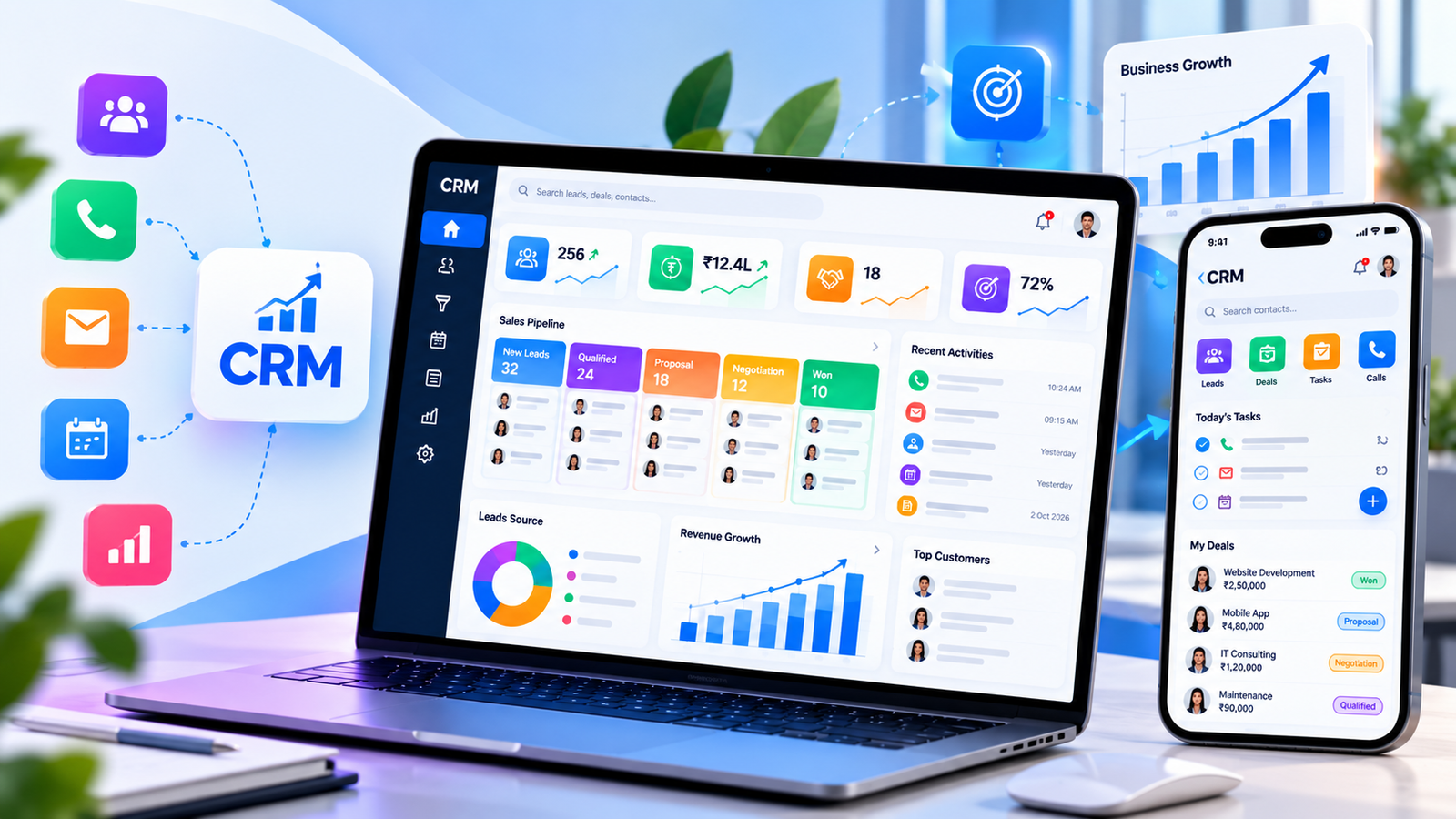
- A Pipeline That Matches How You Sell. Your own stages, your own fields, and a drag-and-drop board that shows where every deal stands, with quotations and GST-ready proformas generated from the deal record.
- Follow-Ups That Don’t Slip. Each salesperson starts the day with a list of calls and visits due. Leads untouched for too long are flagged, and managers are alerted before a hot enquiry goes cold.
- WhatsApp, Calls and Email on One Record. Messages through the official WhatsApp Business Platform, calls logged through cloud telephony, and emails synced, so the full conversation history sits with the customer, not on someone’s personal phone.
- Mobile CRM for Field Sales. Salespeople see their leads, check in at client visits with location, add notes and update deals from their phone, so field activity reaches managers the same day.
- Reports Your Manager Will Actually Read. Leads by source, conversion by salesperson, pipeline value, lost-deal reasons and follow-up compliance, with role-based access so each person sees exactly what they should.
How We Build Your CRM
Four stages, with your sales team involved from the start so they want to use the result.
Sales Process Mapping 2–4 days
We talk to your salespeople and managers, trace how a lead moves from first enquiry to payment, and list every lead source. You receive a pipeline blueprint and a fixed-price proposal.
Screen and Report Design 1–2 weeks
Lead, deal and dashboard screens designed so the most common updates take one or two taps. Your sales head approves them before development begins.
Development and Integrations 3–6 weeks
We build the CRM, connect lead sources, WhatsApp, telephony and email, and let a few salespeople try it on real leads while it takes shape.
Data Migration, Training and Launch 1–2 weeks
Existing leads and customers moved in and de-duplicated, hands-on training for the sales team, and admin access so you can adjust fields and stages yourself later.
Our old CRM had stages that didn’t match how we actually sell, so half the team stopped updating it. This one mirrors our process, and getting the team to use it wasn’t a fight this time.
Arjun Deshmukh, Sales Director, Veltrix Solutions
Frequently Asked Questions
Why build a custom CRM instead of using Zoho, HubSpot or Salesforce?
If one of them fits your process with light setup, use it. A custom CRM makes sense when your sales process has steps those tools handle awkwardly, when you are paying for features your team never opens, or when per-user subscription fees keep rising as you hire. With a custom CRM there is no per-user fee, and the screens show only what your team actually needs.
Can leads from IndiaMART, Facebook ads and our website come in automatically?
Yes. Website forms, Meta lead ads, Google Ads lead forms and IndiaMART can all push leads straight into the CRM. Other portals can usually be connected through their API or lead alert emails. Each new lead is assigned to a salesperson automatically based on rules you set.
How does the WhatsApp integration work?
We connect the CRM to the official WhatsApp Business Platform, so your team can send messages and templates from inside the lead record and every conversation is saved there. Using the official platform also protects your business number from being blocked.
Can our field sales team use it on their phones?
Yes. Salespeople can view their leads, log visits with a location check-in, add notes by voice or text and update deal stages from their phone, so managers see field activity the same day.
Can we move our existing leads and customer data?
Yes. We import contacts, leads, deal history and notes from Excel or your current CRM, merge duplicates and map old stages to the new pipeline, so nothing is lost when your team switches over.