
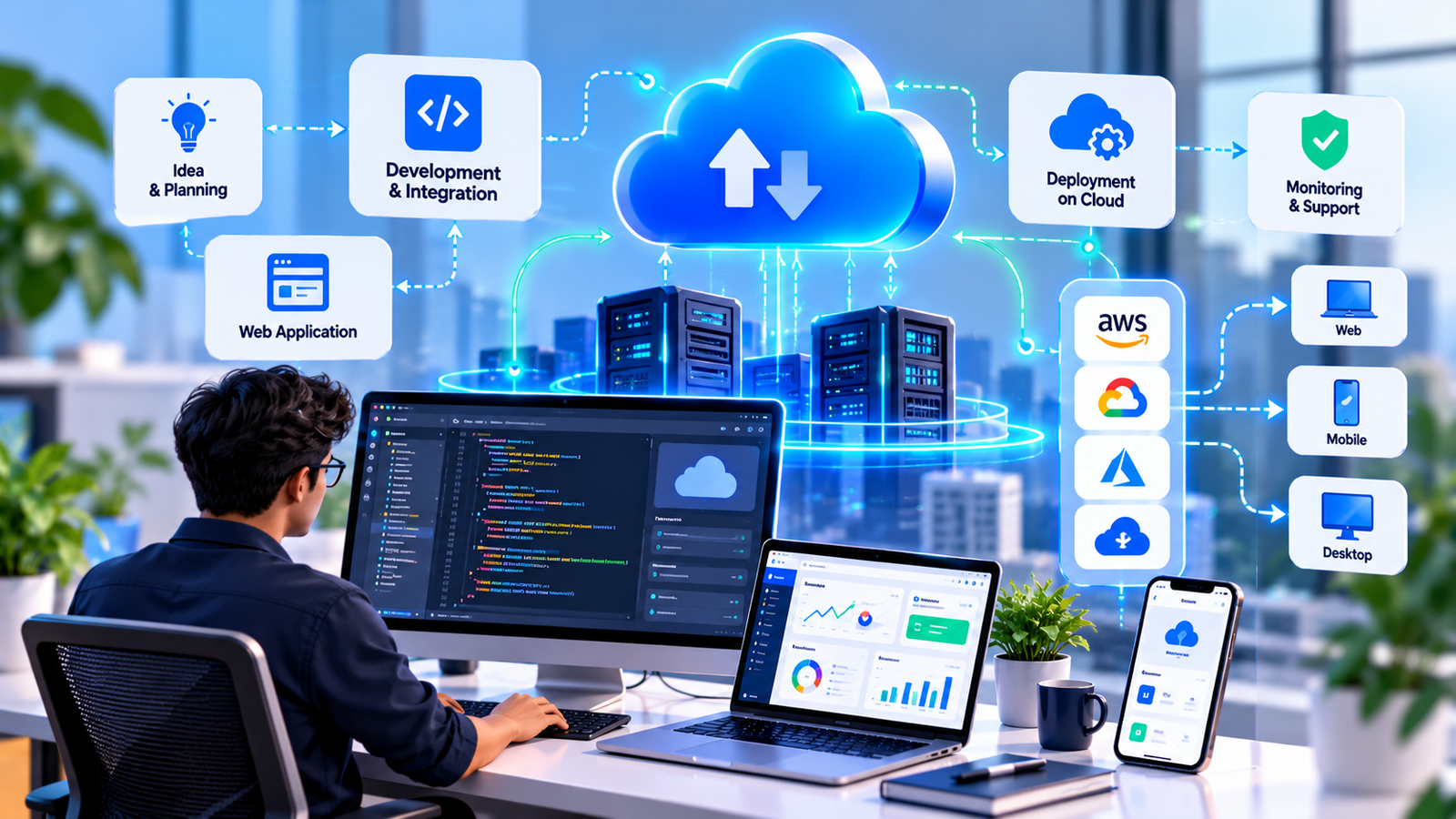
A cloud application lives on a server, not on one machine in your office. Your team logs in from a browser or phone, data is backed up automatically, and opening a new branch means creating a login rather than installing software. For most businesses that's the whole point: fewer IT headaches and access from wherever the work happens.
When Moving to the Cloud Makes Sense
It's usually time to move if a few of these apply:
- Your software runs on one office PC, and work stops if that machine fails.
- Staff in the field or at other branches need access but can't get it.
- You're paying for servers, backups and IT support that someone has to keep an eye on.
- Files get emailed back and forth because two systems can't see each other's data.
- You're planning to grow and don't want to rebuild your setup every time you add people.
What We Build
From a single internal tool to a full move away from on-premise software.
- Custom Cloud Applications — Browser-based apps for operations, sales, service or internal teams, built around your workflow.
- Legacy Software Migration — Older desktop or on-premise software rebuilt for the cloud, with existing data moved across and checked.
- Cloud Infrastructure Setup — Hosting on AWS, Microsoft Azure or Google Cloud, sized for your real usage so you're not paying for capacity you don't need.
- Secure Access & Roles — Logins, role-based permissions and activity logs, so each person sees only what they should.
- Backups & Disaster Recovery — Automatic backups and a tested recovery plan, so a server problem doesn't turn into lost data.
- APIs & Integrations — Connections to your payment gateway, accounting software and other business tools.
Cloud Costs, Explained Plainly
Cloud hosting is billed monthly based on what you use. For most small and mid-sized business applications that bill is modest, but it can creep up if the setup isn't planned well. We size the infrastructure for your actual usage, set spending alerts, and tell you the expected monthly cost before launch, so there are no surprise invoices.
How We Build It
Short cycles with working demos, so you see progress instead of waiting for a big reveal.
Requirements & Architecture 1–2 weeks
We map what the application needs to do, who uses it, and how much data it handles, then plan the cloud setup to match.
UI Design 1–2 weeks
Screens and user flows are designed and approved before development begins.
Development 6–10 weeks
The application is built in stages, with a working demo every two weeks for your feedback.
Migration & Launch 1–2 weeks
Existing data is moved across and verified, your team is trained, and the application goes live.
Support & Scaling Ongoing
We monitor performance and costs after launch and adjust the setup as your usage grows.
Who It's For
Businesses with teams spread across offices, warehouses or the field, and companies running older software that has become hard to maintain. If you're building a product to sell to other businesses, our custom SaaS platforms page is a better fit.
Frequently Asked Questions
Which cloud provider do you use?
AWS, Microsoft Azure or Google Cloud, depending on your needs, budget and any accounts you already have. If you have a preference, we work with it.
Who owns the code and the data?
You do. The cloud account is set up in your company's name, and the source code is handed over at the end of the project.
Can our old software be moved to the cloud?
Usually, yes. Depending on its condition we either rebuild it or move it in stages, and your existing data is migrated and checked before the old system is switched off.
What if the internet goes down?
Cloud apps need an internet connection. Where that's a real risk, like a warehouse with patchy signal, we can add offline support for specific screens that syncs once the connection is back.